
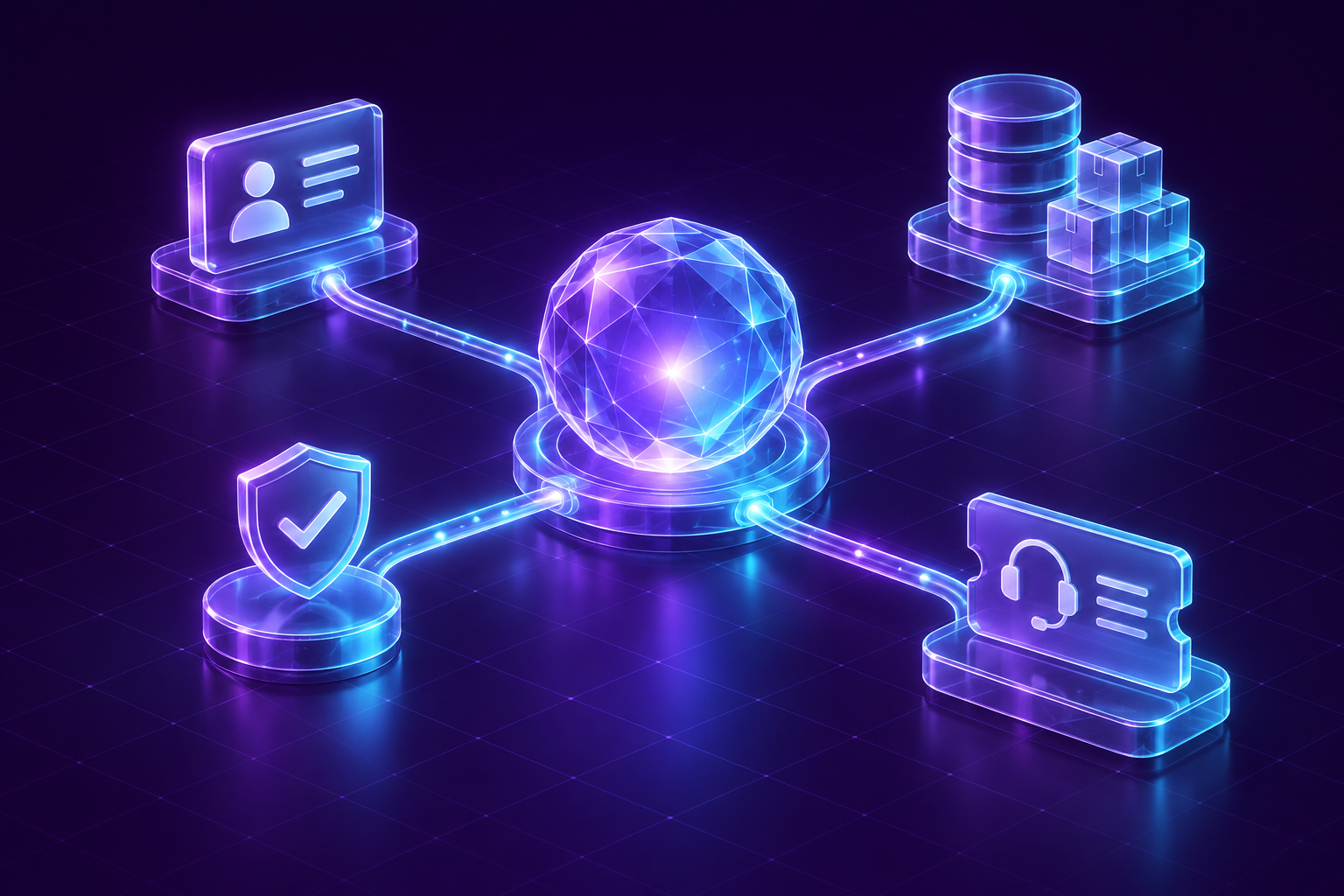
Until recently, artificial intelligence in business was limited to answering questions. AI agents go a step further: they understand a request, query your systems, decide which steps to take and carry them out, for example creating an opportunity in the CRM, checking stock in the ERP or classifying a support ticket.
It sounds powerful, and it is, but it also raises reasonable questions: what can an agent really do today? What happens if it gets something wrong? Who controls what it does? In this article we bring it down to earth with practical examples and explain how to design an agent that works with human oversight from day one.
The problem: multi-step processes with someone always keeping watch
Many SMEs have processes that are not difficult, but are tedious: they involve several systems, several steps and someone remembering to do them. For example:
- A customer emails asking for a quote; someone reads it, looks the customer up in the CRM, checks prices in the ERP and prepares a draft.
- A support ticket comes in; it has to be classified, checked against similar issues, assigned and the customer notified.
- At the end of the month, pending orders have to be reviewed, delays spotted and each person responsible notified.
Traditional automations work well when everything always follows the same path. The problem is that reality is not that tidy: emails are worded in a thousand different ways, details are missing or there are exceptions. That is where an AI agent adds value.
How an AI agent works
An agent combines three pieces:
1. A language model that understands and reasons
This is the “brain”: it interprets the request, even when it is badly written or incomplete, and decides what it needs to know or do to resolve it.
2. Tools connected to your systems
The agent does not have free access to everything. It is given specific, limited tools, usually through your applications’ APIs: “find customer in the CRM”, “check stock for an item”, “create draft quote”, “change a ticket’s status”. Each tool defines exactly what it can read and what it can change.
3. Rules, limits and oversight
Its role, its objectives and what it must never do are defined. Above all, so are the moments when it has to stop and ask a person for approval before continuing.
With those pieces in place, the agent works in cycles: it understands the task, looks up what it needs, proposes or carries out an action, checks the result and carries on until it finishes or reaches a point where it needs someone from your team.
What an agent can do today in your CRM, ERP or ticketing system
These are realistic examples with today’s technology. All of them are illustrative; every company has its own tools and rules.
In the CRM
- Read incoming emails or forms, work out whether the contact already exists and create or update the record.
- Summarise a customer’s history before a sales call.
- Spot opportunities with no recent activity and suggest the next step to the salesperson responsible.
In the ERP
- Answer internal questions about stock, order status or delivery times.
- Prepare draft orders or quotes from a request written in natural language, for a person to review.
- Check incoming delivery notes or invoices and flag discrepancies with the original order.
In the ticketing tool
- Classify and prioritise incoming tickets based on their content.
- Look for similar issues already resolved and suggest a reply to the technician.
- Ask the customer for missing information before the ticket reaches a person.
Take a hypothetical example: an industrial maintenance company receives service requests by email. An agent could read each request, identify the customer in the CRM, check in the ERP whether they have an active maintenance contract, open the ticket with the right priority and propose a visit slot. The technician would only need to review and confirm.
Human oversight: the key to trusting an agent
A good agent is not one that does everything on its own, but one that knows when it should not. That is why its design should define:
- Read-only actions and write actions. Start with read permissions and widen them gradually.
- Approval points. Sending a quote, changing a price or closing a ticket can always require a person’s sign-off.
- Clear limits. Maximum amounts, customer types or cases that are always passed to the team.
- A log of every action. What the agent did, with which data and why, so it can be reviewed and corrected.
- Ongoing evaluation. Regularly review its decisions and adjust instructions and tools.
What a project with TIC Place looks like
At TIC Place we build custom AI agents for business that integrate with your internal tools. The process usually looks like this:
- Free first meeting. We get to know your process, the systems involved and where most time is lost. No cost and no obligation.
- Defining the agent’s role. Objectives, limits, the tools it can use and human oversight rules for sensitive decisions. We set this out in a written scope document that we review together and then give you a fixed price broken down by phases.
- Integration with your systems. We connect the agent to your CRM, ERP or ticketing system through their APIs. If a system has no API, our backend and integrations team finds the best alternative.
- Controlled pilot. The agent starts by proposing actions that a person approves. We measure, review and adjust.
- Expansion and maintenance. Once its behaviour is reliable, its permissions are widened where it makes sense, and we keep improving it as your technology partner, with ongoing support.
Every project is quoted individually and in phases, with no fixed packages. If your process is more linear and does not need reasoning, AI task automation may be enough, and we will tell you so. And if you want the agent to consult your internal documents as well, it can be combined with AI that understands your business.
Checklist: is your process ready for an agent?
- Is it a process that happens frequently and has several steps?
- Do the systems involved have an API or some form of integration?
- Can you describe how an expert would do it, exceptions included?
- Do you know which decisions must always go through a person?
- Is there someone on your team who can review the agent’s actions during the pilot?
- Are you clear on how you will measure whether it works: time saved, response times, errors?
Frequently asked questions
What is the difference between an agent and a chatbot?
A chatbot converses and answers. An agent also carries out actions in your systems. Many solutions combine the two: a conversation in which the agent acts behind the scenes.
What if the agent gets it wrong?
That is why it is designed with limited permissions, human approval points and a log of every action. Mistakes are caught during review and corrected by adjusting instructions or tools.
Do I need to change my CRM or ERP?
No. The aim is to work with what you already use. What matters is that there is a secure way to connect to those systems.
Is it safe to give AI access to my systems?
The agent can only access what it is allowed to through specific tools, with its own credentials and minimum permissions. That way you control exactly what it can read and what it can change.
Start with one process
The best way to find out what an AI agent can do for your business is to choose a specific process and test it under supervision. If you want to explore the concept further, you can also read how artificial intelligence agents can transform your business. And whenever you are ready, tell us about your process in a free first meeting and we will tell you frankly whether an agent makes sense and how to approach it.